
Start from the shopping tab
Upload a product photo or screenshot, or paste a public product image or product-page link. If a store blocks importing, a screenshot still works.
Private virtual fitting room
See it on you before you buy it.
AI Clothes Changer combines your photo with any product image to create a private try-on preview, usually ready in about a minute.
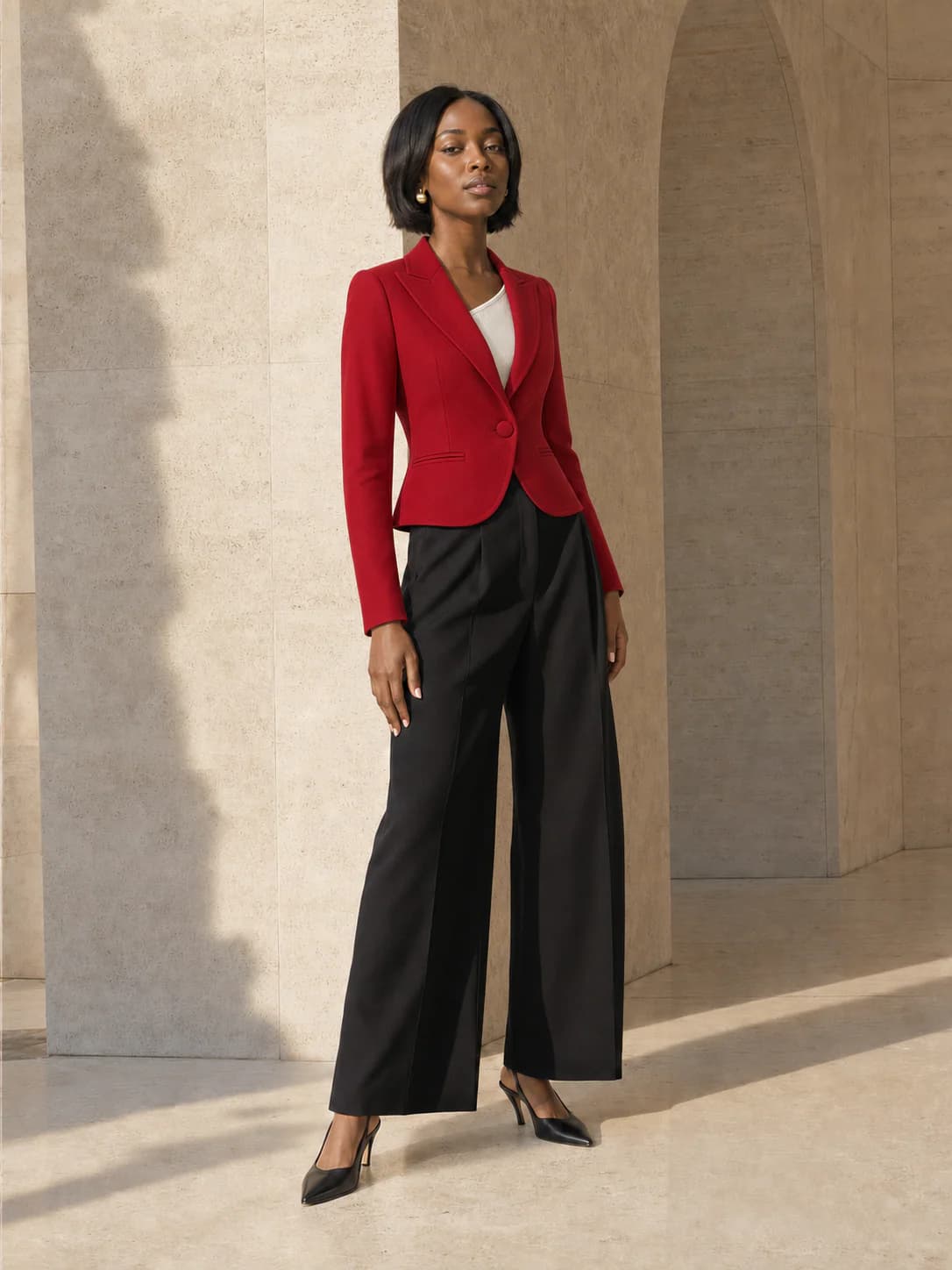
Full body or waist-up works best.
JPG · PNG · WEBP · HEIC · MAX 15MB
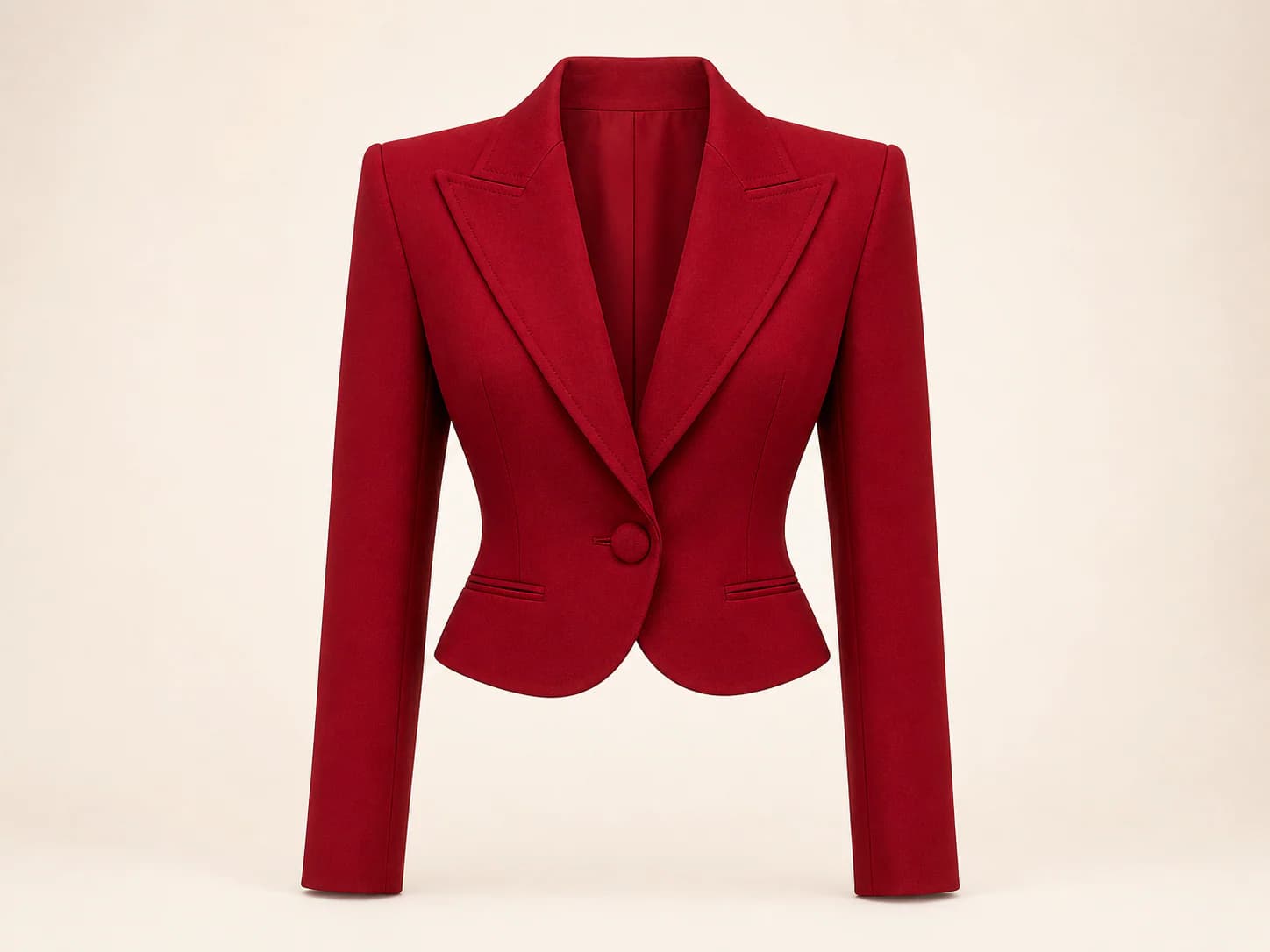
Product photo, flat lay, or shopping screenshot.
JPG · PNG · WEBP · HEIC · MAX 15MB
Your try-on will appear here
Add your photo and a garment to create a private result. Usually ready in about a minute.
A complete try-on study
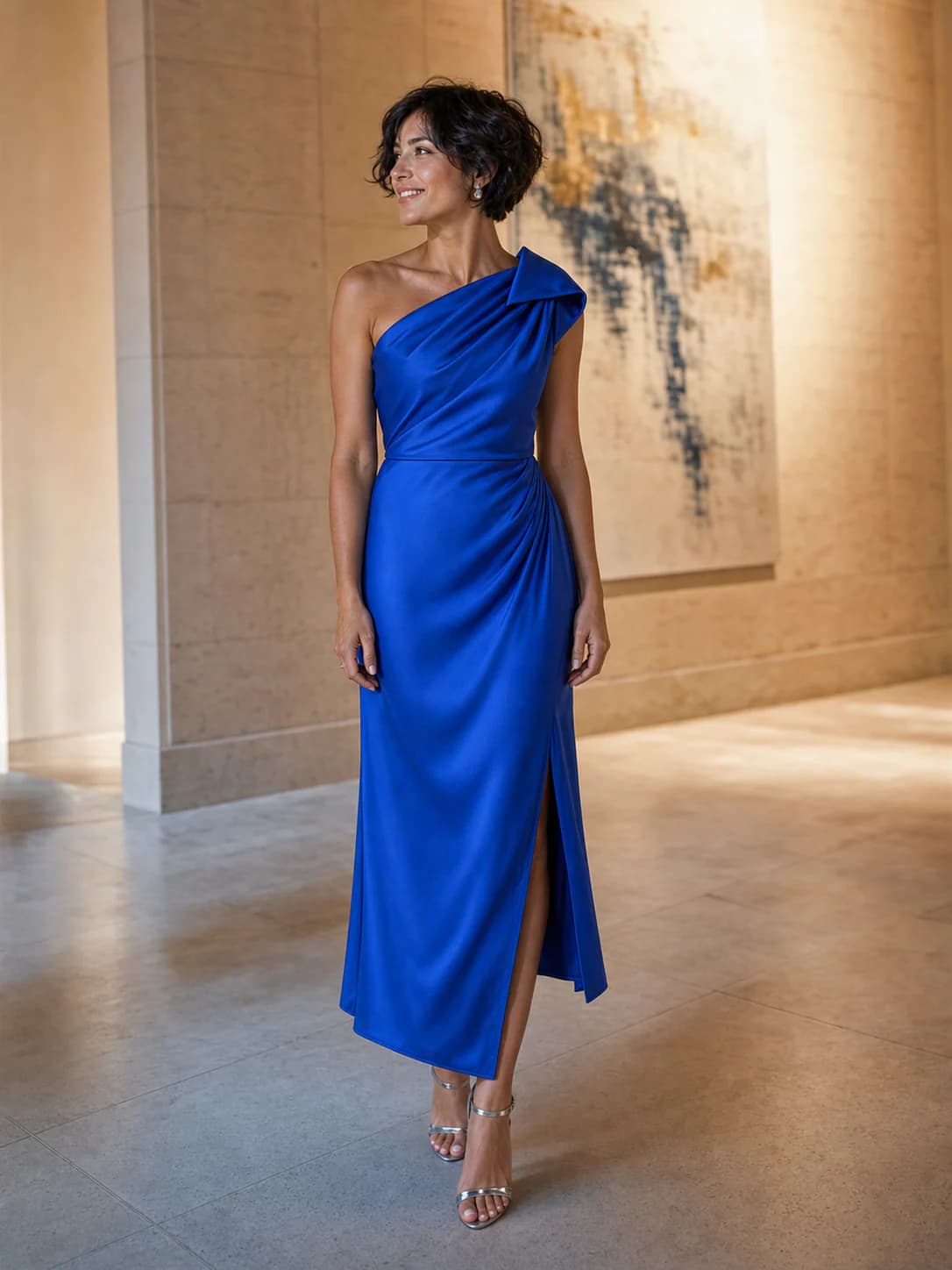
AI Clothes Changer keeps your identity, pose, and body proportions as the visual anchor while replacing only the target garment.
AI try-on result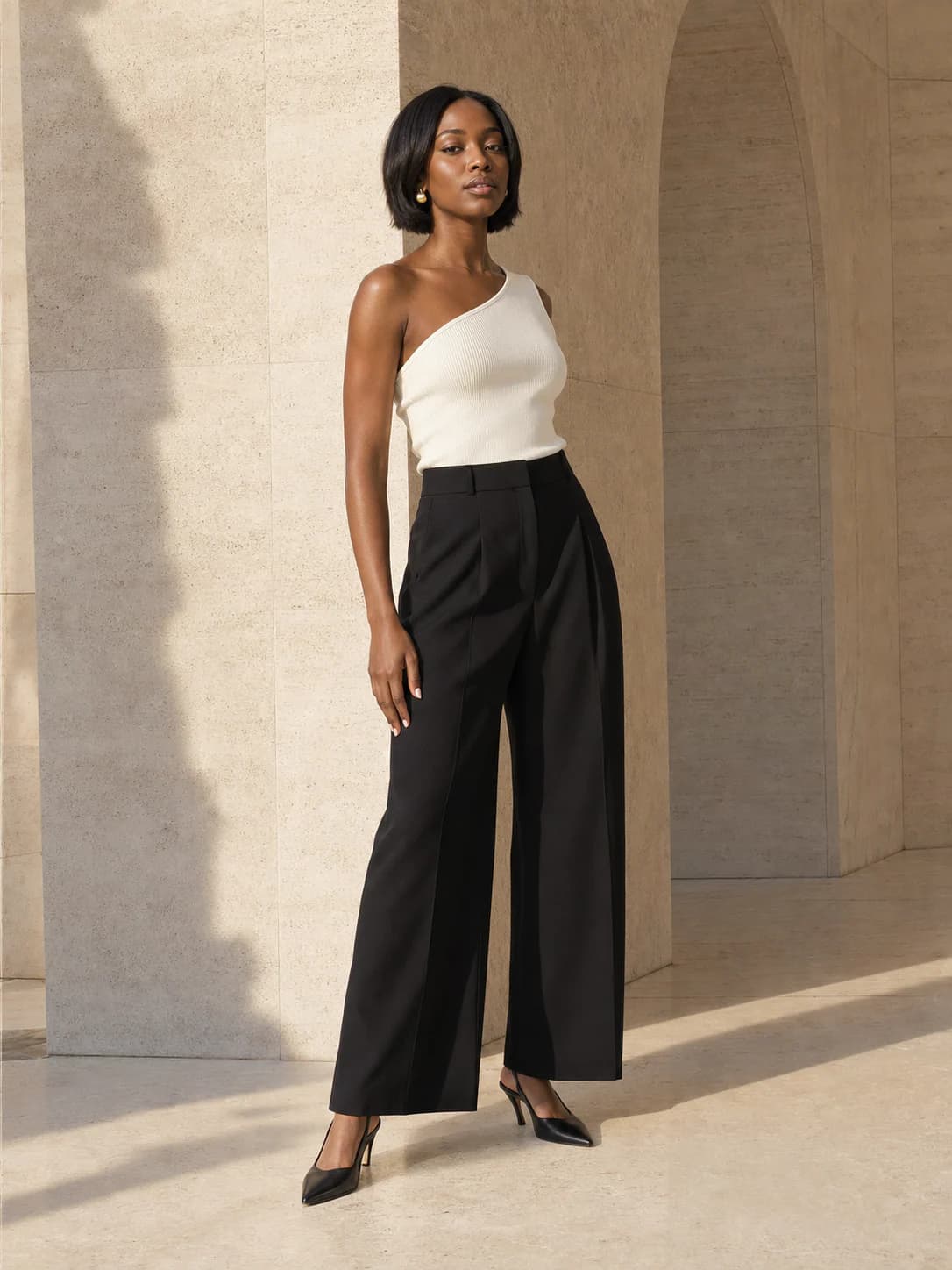
Your photo sets the face, pose, and body proportions the preview should preserve.
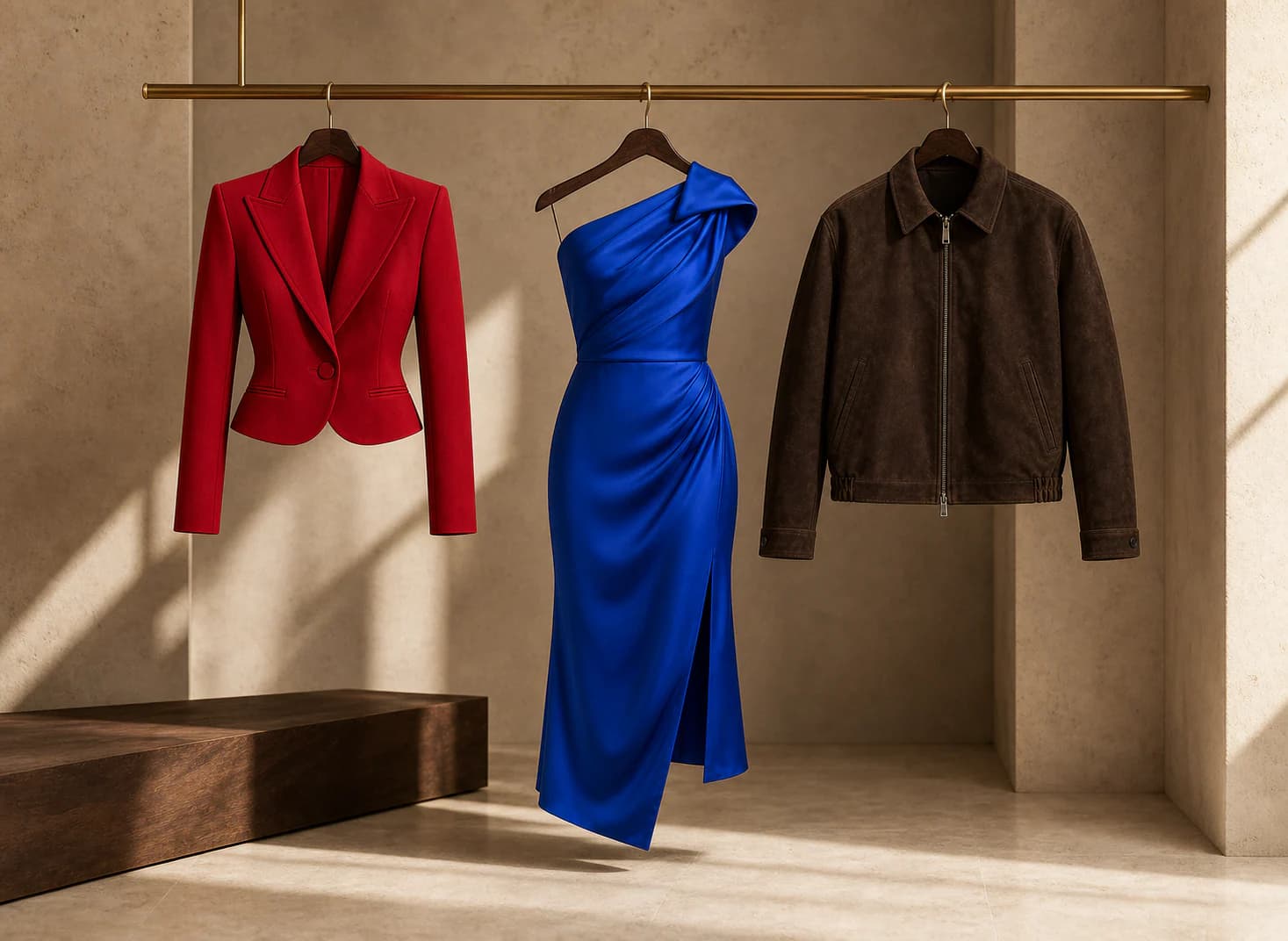
The clothing reference supplies the color, cut, and visible product details.
Use the result for silhouette and styling decisions, not exact measurements or sizing.
Move from sharp city tailoring to occasion dressing or refined menswear. Each look uses the same two-reference workflow.
 Look 02
 Look 03
AI Clothes Changer accepts more than clean catalog photography. Start from the shopping tab, a worn reference, or a quick garment photo.
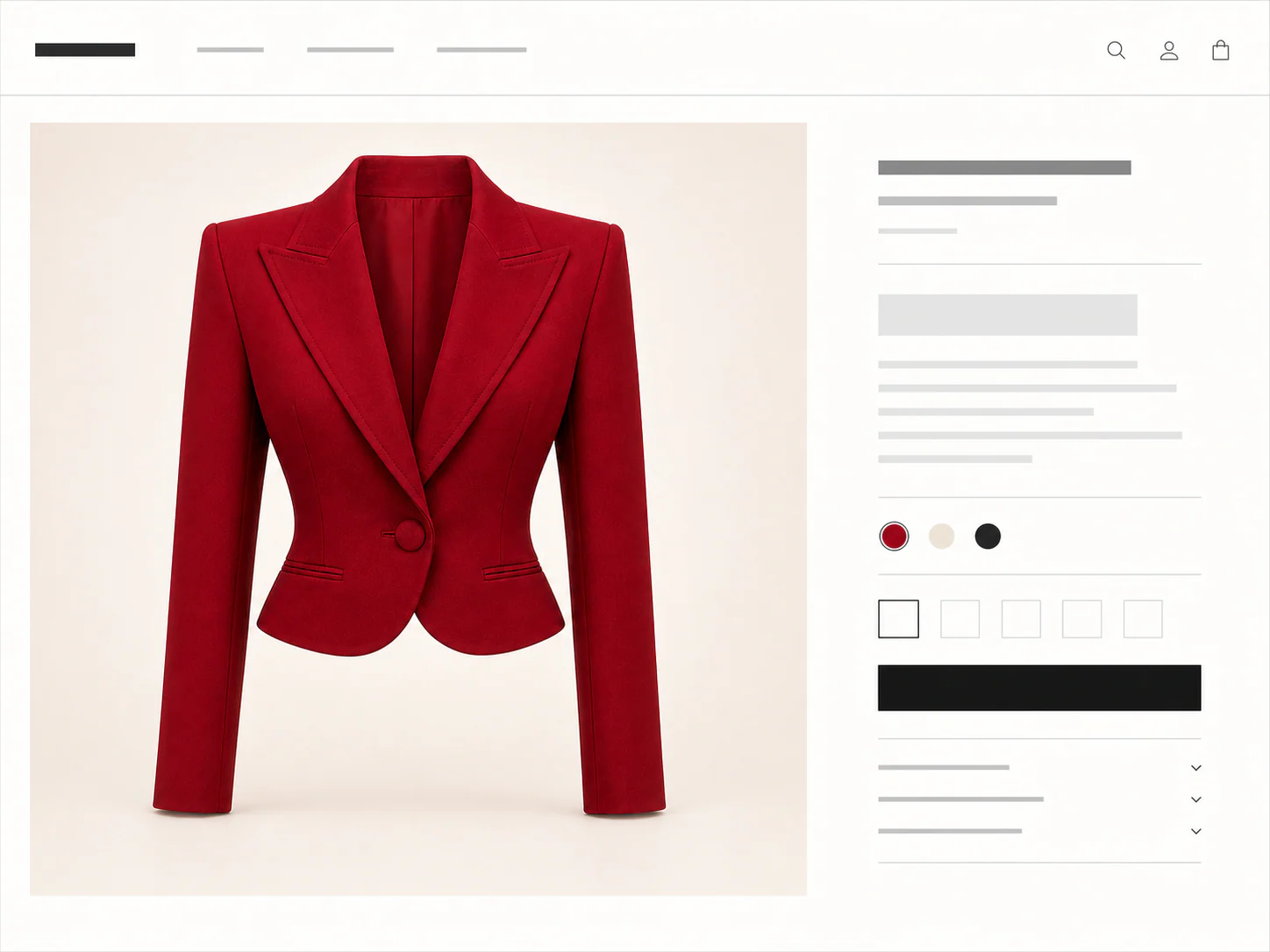
How the AI Clothes Changer works
Upload a clear photo of yourself
Use a clear full-body or waist-up photo.
Add a garment photo or shopping screenshot
Upload a product image, screenshot, or public product link.
Generate one private AI preview
Choose Standard or HD and review the private result.
Three directions, fewer guesses
Made for the decision
Built for a shopping decision
SameMuse asks for the two references that matter and keeps the workflow focused on one useful result.
Upload a product photo or screenshot, or paste a public product image or product-page link. If a store blocks importing, a screenshot still works.
The generation workflow prioritizes your face, pose, body proportions, and background while changing the target garment.
Standard costs 10 credits. HD costs 20. Your first Standard try-on is free, and failed generations cost nothing.
Person photos, garment references, and results are removed automatically after seven days and are not used for training.
An honest fitting room
AI is useful when it shortens the decision without pretending to replace measurements, material knowledge, or a physical fitting.
Compare the overall shape, visual length, and balance of a look on your photo.
Use the retailer size chart for measurements and garment ease.
See how a color and garment category work with your face, pose, and current styling.
Fabric sheen and color can still vary with lighting and the real material.
Use a clear product photo, shopping screenshot, flat lay, or worn reference.
Avoid heavily covered garments, group photos, and unclear product crops.
Get a visual approximation for a faster shopping decision.
A preview cannot measure tightness, comfort, or replace a physical fitting.
Credits, plainly priced
Standard costs 10 credits. HD costs 20. Failed generations cost nothing.
300 credits · 30 Standard or 15 HD try-ons · Purchased credits never expire
$7.99
Compare one-time packs with the Monthly plan, including credit expiry and billing rules.
Compare all plansGood to know
Your first standard try-on works without an account, and your photos are removed automatically.
No. Your first Standard try-on works without an account. Sign in with Google for more generations, HD, and pinned results.
Use JPG, PNG, WEBP, HEIC, or HEIF images up to 15MB. Choose a clear full-body or waist-up photo. Garment photos, flat lays, and shopping screenshots are supported.
Yes. Choose Link in the garment step, then paste a public product image or product-page URL. Upload a screenshot if the store blocks the import.
A result is usually ready in about a minute. You can leave the tab open or switch away while the job continues.
Standard uses 10 credits and HD uses 20. Your first Standard try-on is free. HD requires sign-in and enough credits.
Failed generations cost nothing. Use the retry option in the result panel to run the same try-on again without another charge.
Person photos, garment images, and results are deleted seven days after upload or generation. Download anything you want to keep.
No. We use your photos and results only for the try-on you request, not for model training.
No. The preview helps you judge color, shape, and styling. Check the size chart, fabric details, and real garment before deciding on fit.
The fitting room is ready
One free standard try-on, no sign-up. Your photos are deleted automatically after seven days.